 MemoirME
Cancel Subscription
For iOS
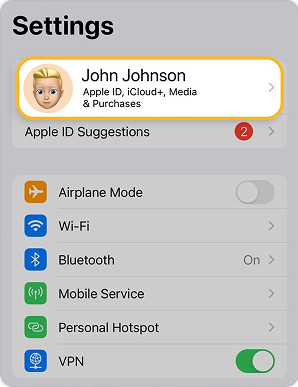
1. Go to Settings.
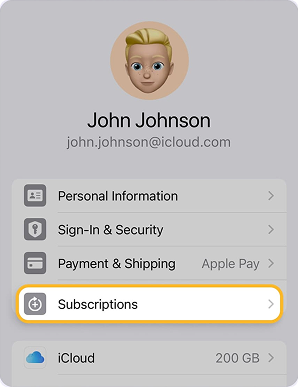
2. Tap on Your Name, then Subscriptions.
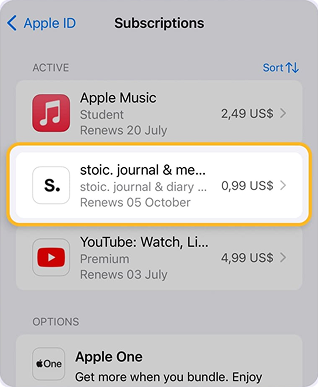
3. Look for the unwanted app under the list of Active Subscriptions.
4. Tap the unwanted subscription.
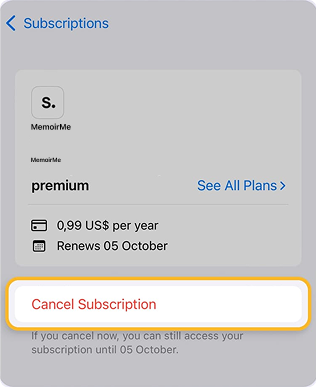
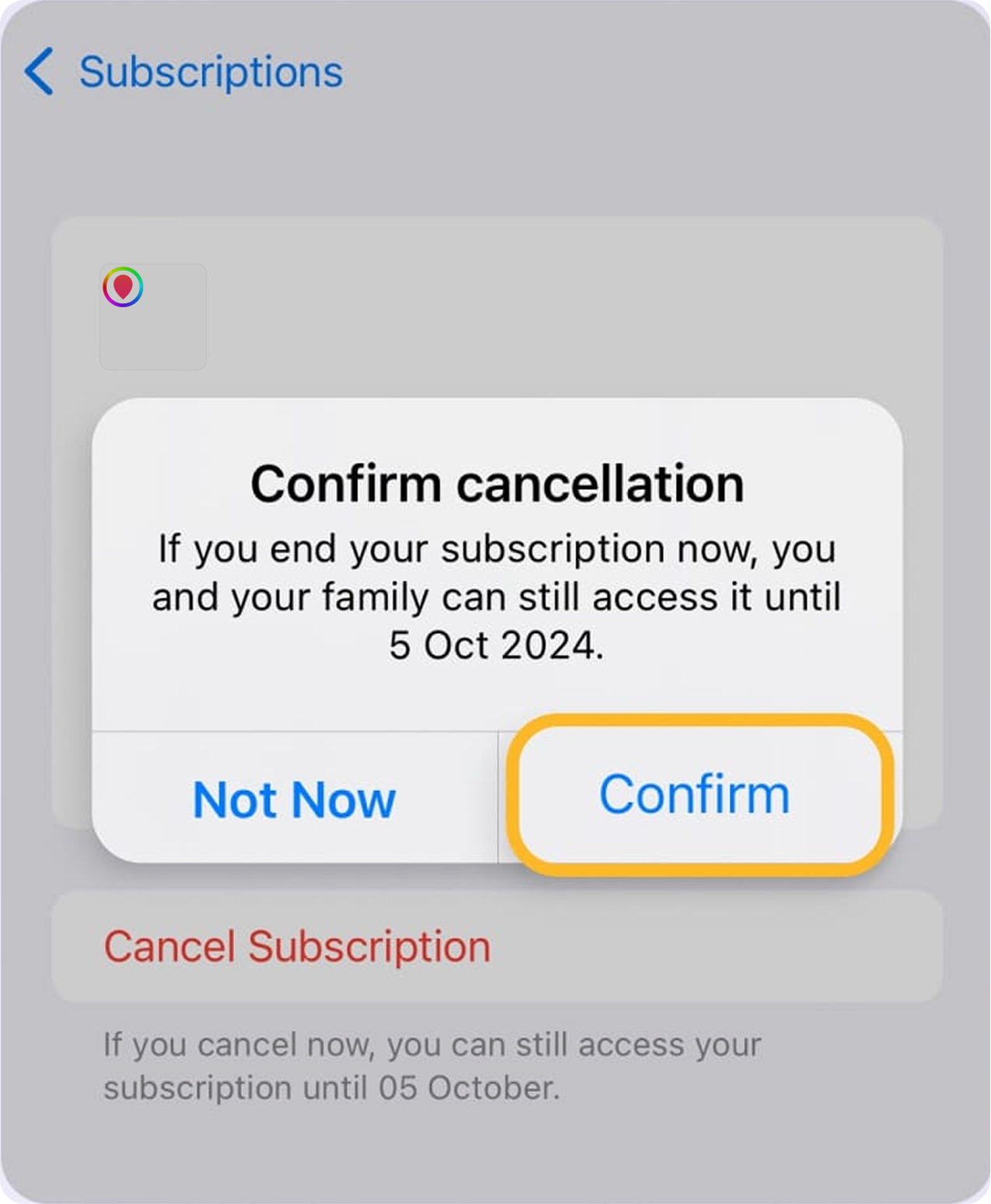
5. Scroll down until you see Cancel Subscription.
6. Tap Confirm on the dialog box.
For Android
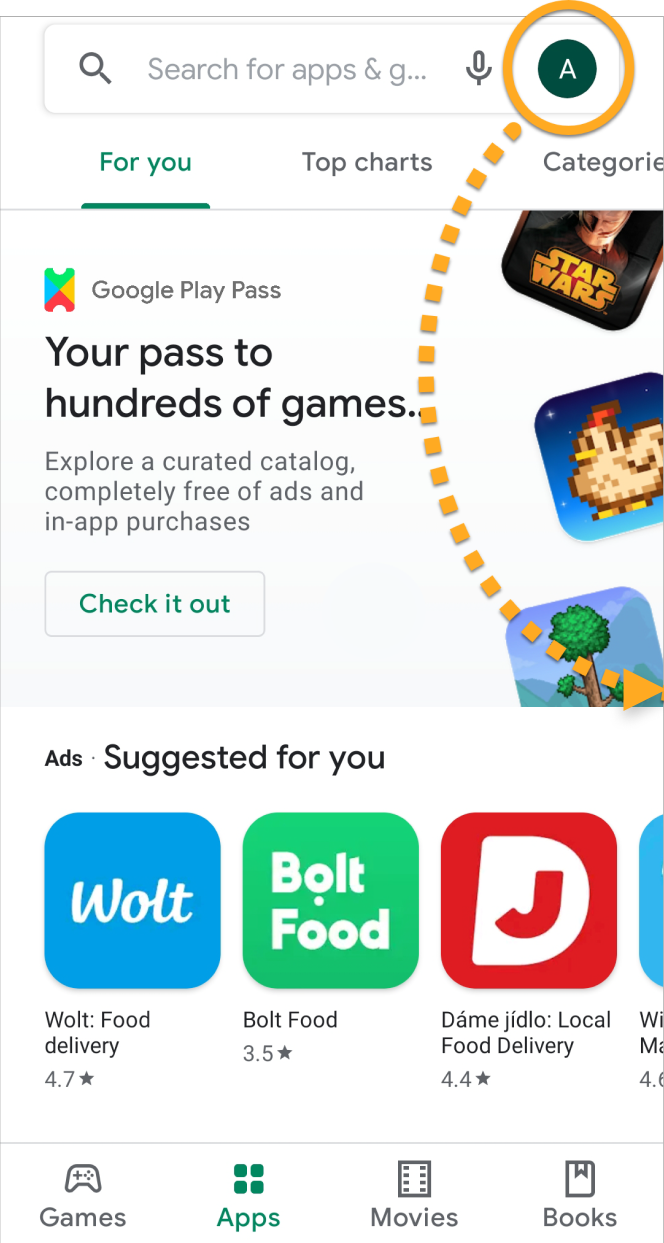
1. On the Home screen of your device, tap the Play Store icon to open Google Play Store.
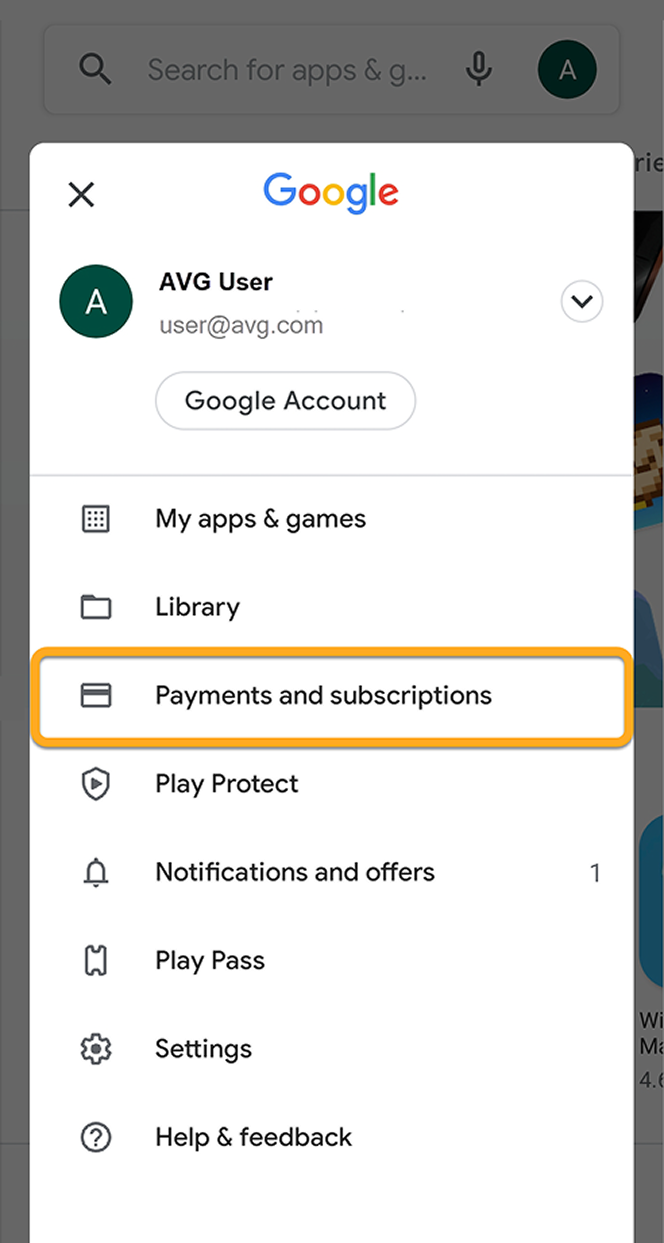
2. Tap your profile image in the top-right corner and select Payments and subscriptions.
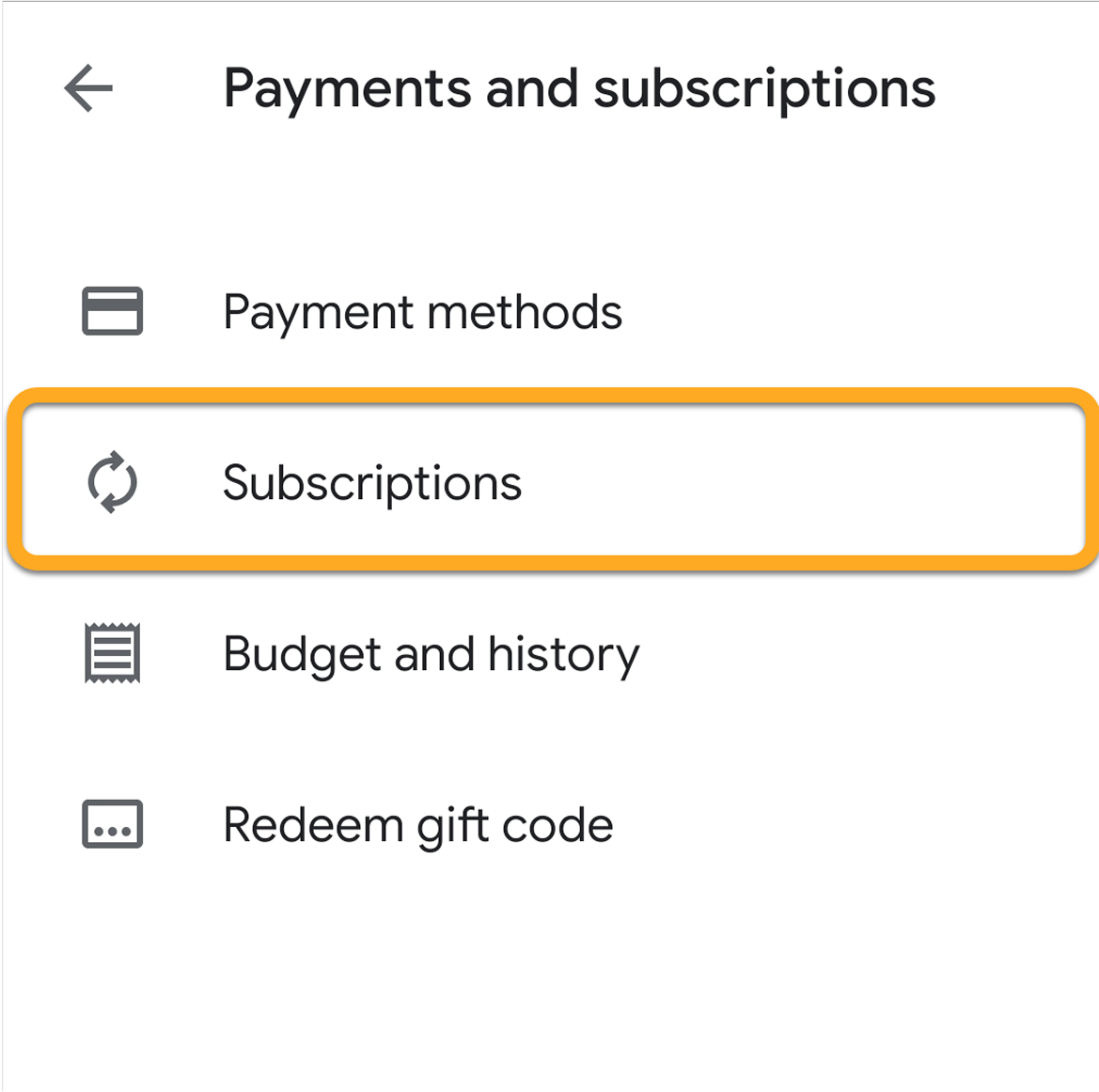
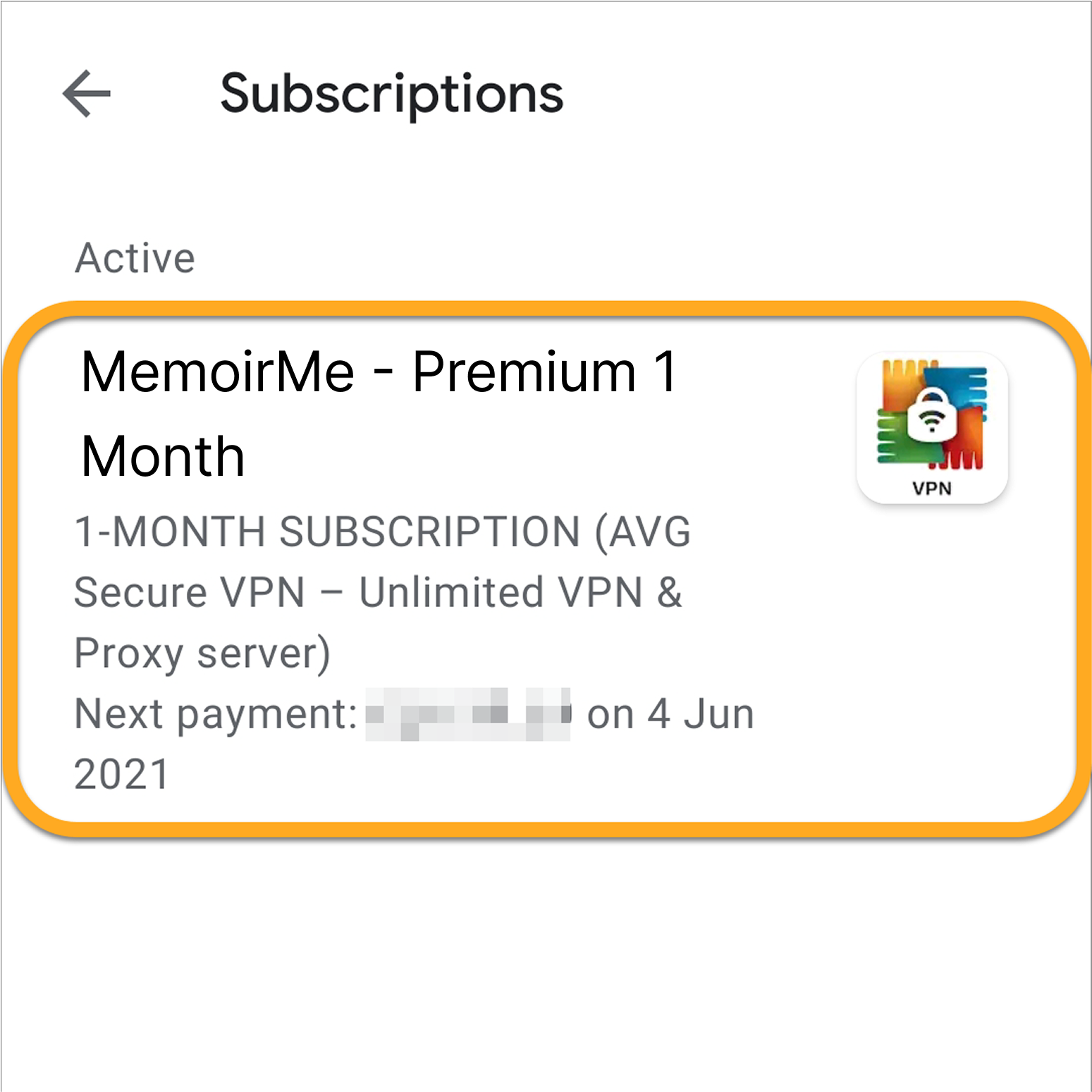
3. Tap Subscriptions.
4. Select the MemoirMe subscription that you want to cancel.
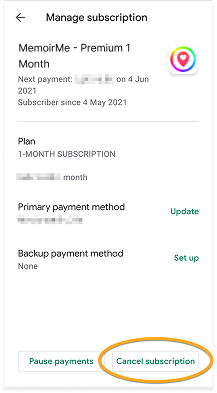
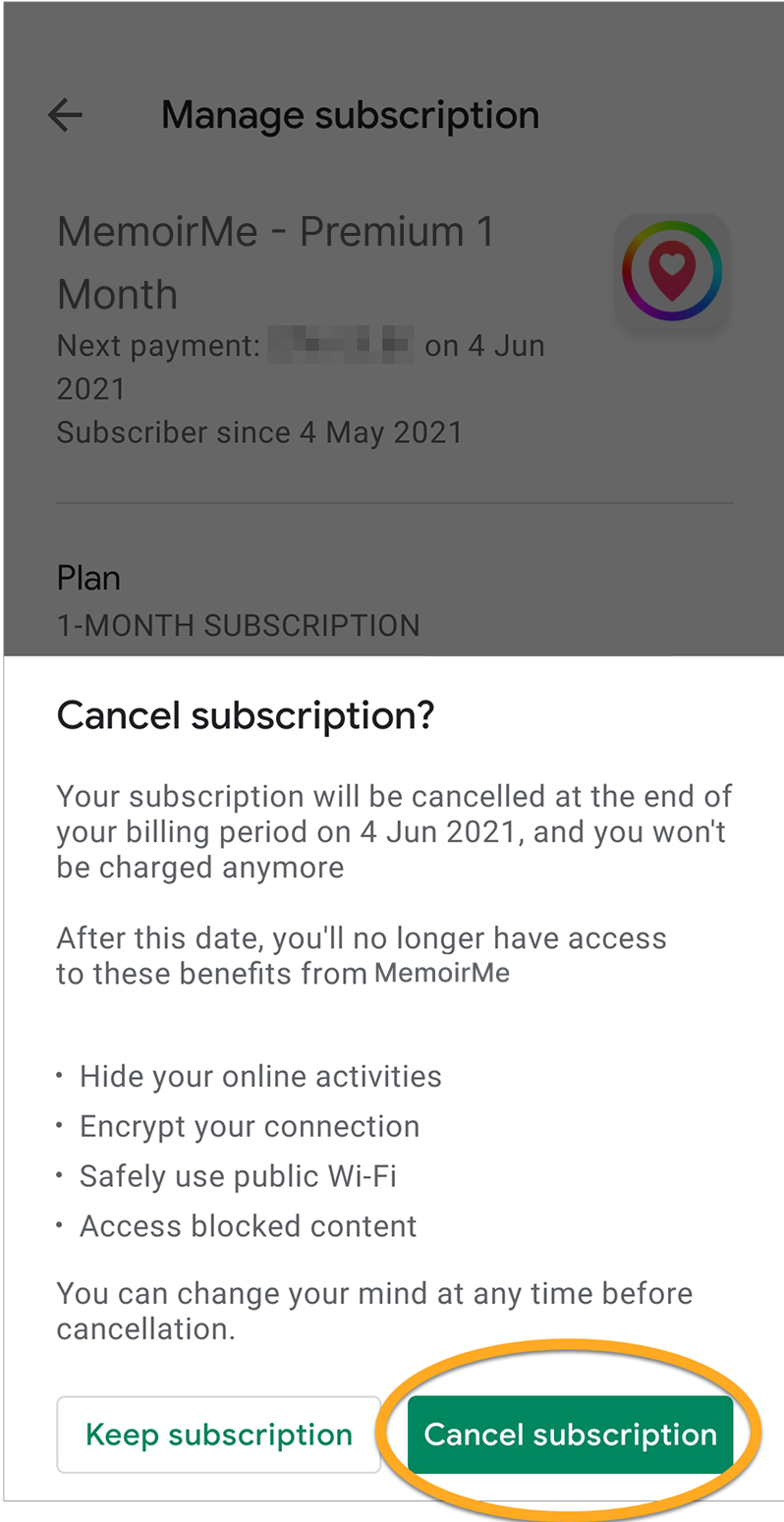
5. Tap Cancel subscription.
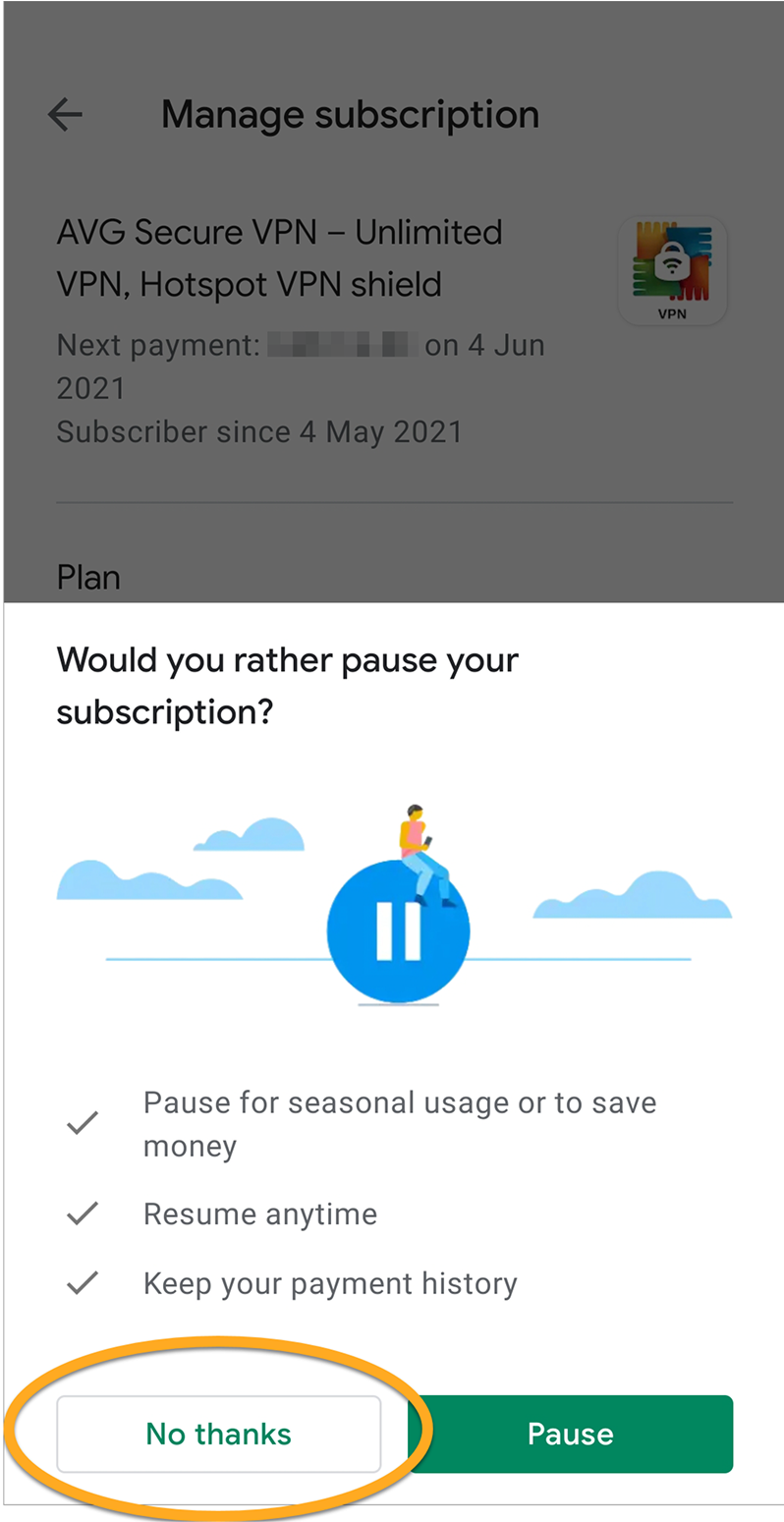
6. Google Play Store may ask if you want to pause the subscription. Tap No thanks to confirm that you want to cancel the subscription rather than pause it.
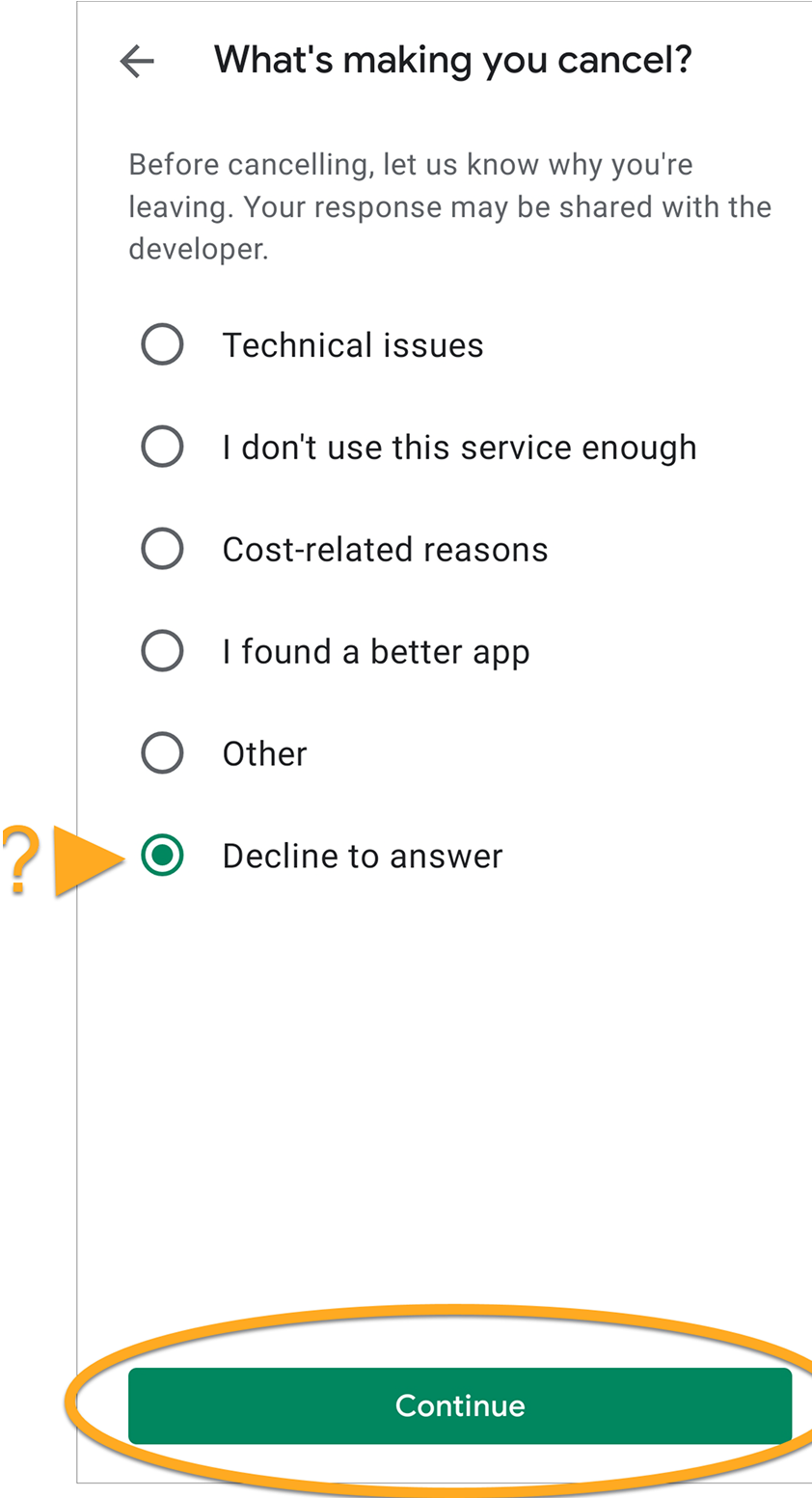
7. Optionally, provide a reason for canceling the subscription (or select Decline to answer), then tap Continue.
8. Tap Cancel subscription again to confirm the cancellation.
©2024 Nartus. All rights reserved.